S91 Season Ranking
What Is S91 Season Ranking?
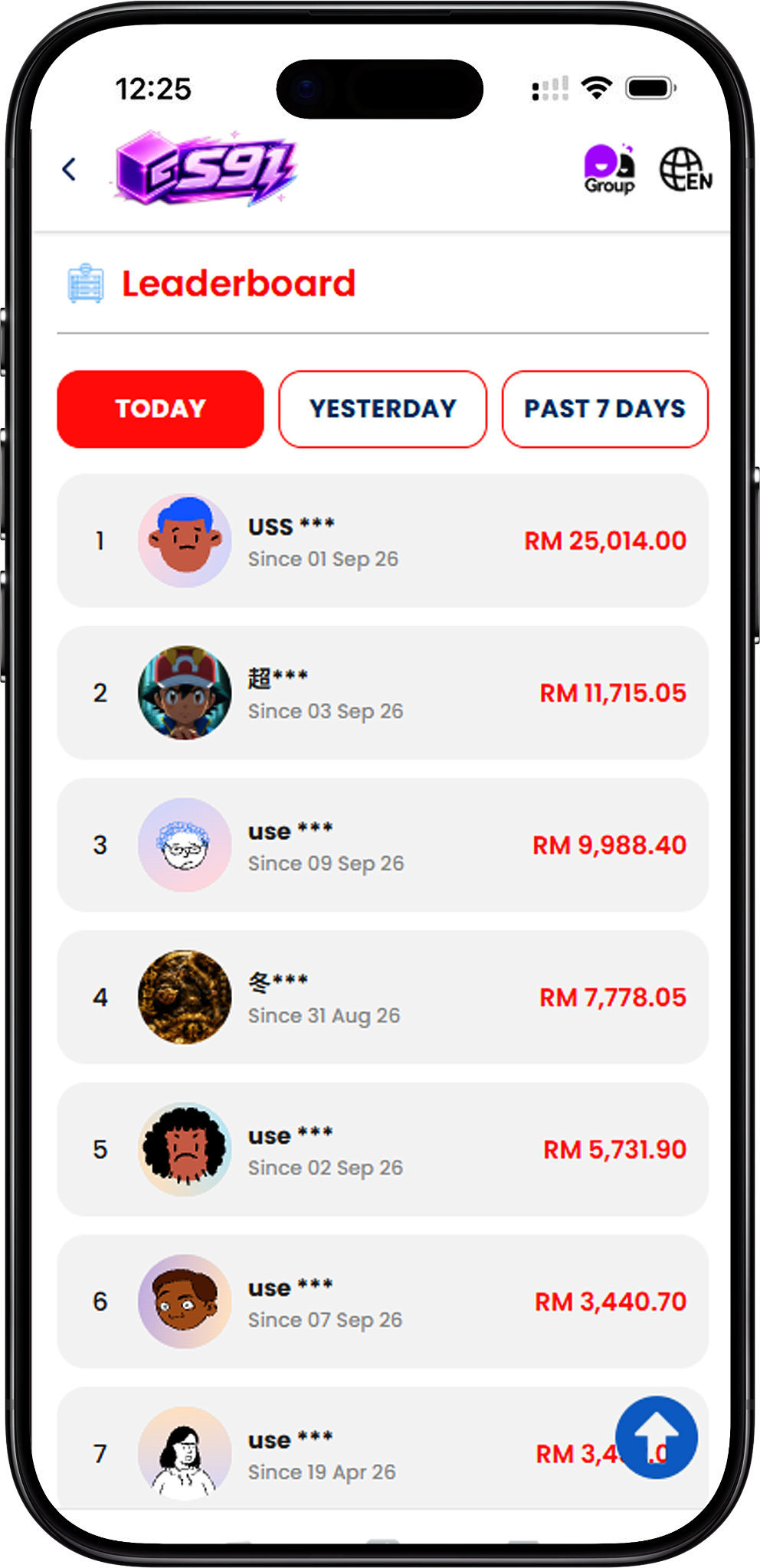
Seasonal Rankings Across Three Categories
S91 Season Ranking is a seasonal leaderboard that organizes user activity into Top Spender, Top Check In and Top Inviter rankings. Each category measures a different type of activity, allowing users to view the leading participants and their own current ranking progress during the season.
Track the Current Season
The Season Ranking page displays a countdown to the ranking reset, helping users see how much time remains in the current season. Final ranking rewards are issued when the season ends.
S91 Season Ranking Categories
Top Spender, Top Check In and Top Inviter
S91 provides three separate Season Ranking categories. Top Spender tracks spending, Top Check In tracks check-in days, and Top Inviter tracks invitations. Users can select each ranking tab to view its respective leaderboard, Top 3 positions and their own progress.
Top Spender Ranking
Ranking Based on Spending
Top Spender compares users according to the spending amount recorded for the season. The leaderboard displays the leading users together with their respective RM amounts, while the Your Rank section shows the individual user’s current spending progress and ranking position.
Top Spender Top 3
The three leading positions are displayed as 1st, 2nd and 3rd on the Top Spender leaderboard. Their final positions determine the applicable bonus XP rewards when the season concludes.
Top Check In Ranking
Ranking Based on Check-In Days
Top Check In ranks users according to their number of check-in days during the season. The leaderboard displays the number of days recorded for leading users, while the Your Rank section shows the current user’s own check-in total and ranking position.
Build Your Check-In Count
Each user’s displayed check-in progress is measured in days. Users can follow this total throughout the season and compare their current position with the leading participants shown on the leaderboard.
Top Inviter Ranking
Ranking Based on Invitations
Top Inviter tracks the number of invitations recorded during the season. The leaderboard displays the invitation totals of the leading users, while the Your Rank section shows the individual user’s own number of invites and current ranking position.
Track Your Invitation Progress
Users can use the Top Inviter tab to monitor how many invitations are recorded for their current ranking progress and view the participants occupying the season’s Top 3 positions.
How to Check Your Season Rank
Step 1: Open Season Ranking
Visit the Season Ranking page to view the current seasonal leaderboard and the remaining time before the ranking resets.
Step 2: Select a Ranking Category
Choose Top Spender, Top Check In or Top Inviter depending on the activity you want to review. Each tab displays its own ranking results.
Step 3: View the Top 3
Check the podium area to see the users currently occupying 1st, 2nd and 3rd positions in the selected category.
Step 4: Check Your Rank
Review the Your Rank section below the leaderboard to see your current position and the corresponding activity total for the selected category.
Step 5: Monitor the Season Countdown
Check the displayed reset countdown to follow the remaining duration of the current ranking season.
S91 Season Ranking Top 3 XP Rewards
1st Place – 88 XP
The user who finishes in 1st place receives a season ranking bonus of 88 XP.
2nd Place – 50 XP
The user who finishes in 2nd place receives a season ranking bonus of 50 XP.
3rd Place – 20 XP
The user who finishes in 3rd place receives a season ranking bonus of 20 XP.
Bonus XP for Each Ranking Category
The Season Reward section states that the Top 3 receive bonus XP. The displayed reward structure is 88 XP for 1st, 50 XP for 2nd and 20 XP for 3rd across the Top Spender, Top Check In and Top Inviter ranking views.
When Are Season Ranking Rewards Issued?
Rewards Are Issued When the Season Ends
Season Ranking rewards are issued when the season ends. Users can monitor the countdown shown on the ranking page to see the remaining time before the current season resets and the final positions are determined.
S91 Season Ranking FAQ
What is S91 Season Ranking?
S91 Season Ranking is a seasonal leaderboard featuring Top Spender, Top Check In and Top Inviter categories, with bonus XP available to the Top 3 positions.
What are the three S91 ranking categories?
The three categories are Top Spender, Top Check In and Top Inviter. Each category tracks a different type of user activity during the season.
What does Top Spender rank?
Top Spender ranks users according to the spending amount recorded during the current season.
What does Top Check In rank?
Top Check In ranks users according to their recorded number of check-in days during the season.
What does Top Inviter rank?
Top Inviter ranks users according to the number of invitations recorded during the season.
How much XP does 1st place receive?
The displayed Season Reward for 1st place is 88 XP.
How much XP does 2nd place receive?
The displayed Season Reward for 2nd place is 50 XP.
How much XP does 3rd place receive?
The displayed Season Reward for 3rd place is 20 XP.
When are S91 Season Ranking rewards issued?
The Season Ranking page states that rewards are issued when the season ends.
Where can I see my current ranking?
Your current position and activity total appear in the Your Rank section beneath the leaderboard for the selected ranking category.
Check Your S91 Season Ranking
View Top Spender, Top Check In and Top Inviter rankings, track your current position and follow the season countdown for the Top 3 bonus XP rewards.