






55282
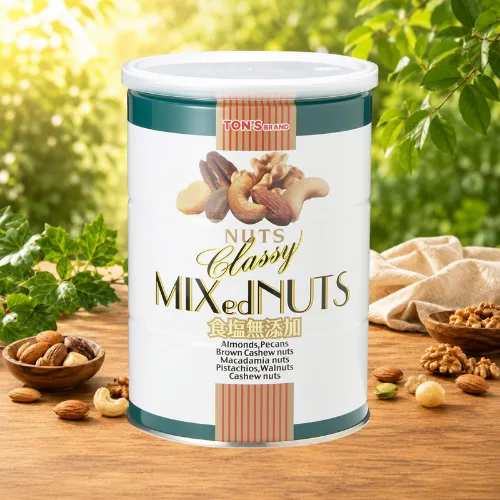
Snack Station Snack Party
RM 1.00
Join Now





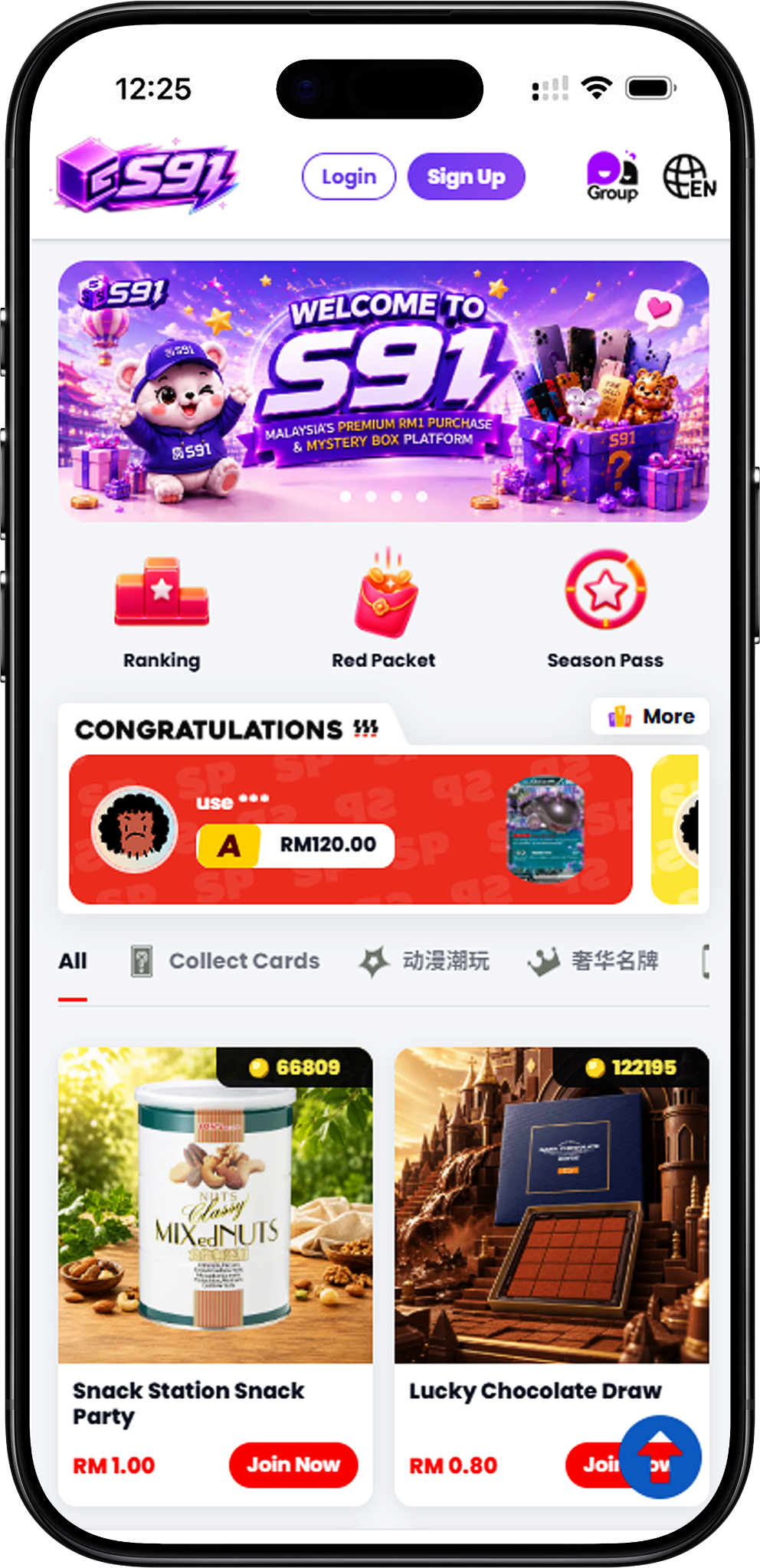
Welcome to S91, an online platform that brings together Lucky Draw, RM1 Purchase, rewards and account activities in one experience. Users can explore different product categories, participate in available activities, complete Daily Missions, collect XP, progress through Season Pass levels and follow Season Ranking activities from the Platform.
S91 connects its major features across the user journey. Lucky Draw includes product-focused categories ranging from collectible cards to technology and branded products, while RM1 Purchase provides additional categories covering collectibles, gaming, home essentials, lifestyle products, premium items and tech. Supporting features such as Daily Mission, Season Pass, Ranking and the Red Packet Pool add further ways to interact with the Platform.
S91 combines product-based activities with an integrated reward experience. Lucky Draw purchases can contribute XP toward Season Pass progression, while Season Pass rewards can include Tickets. These Tickets connect with RM1 Purchase, where accumulated Tickets can be used toward available products. This creates a connected journey between participating, progressing and using rewards across the Platform.
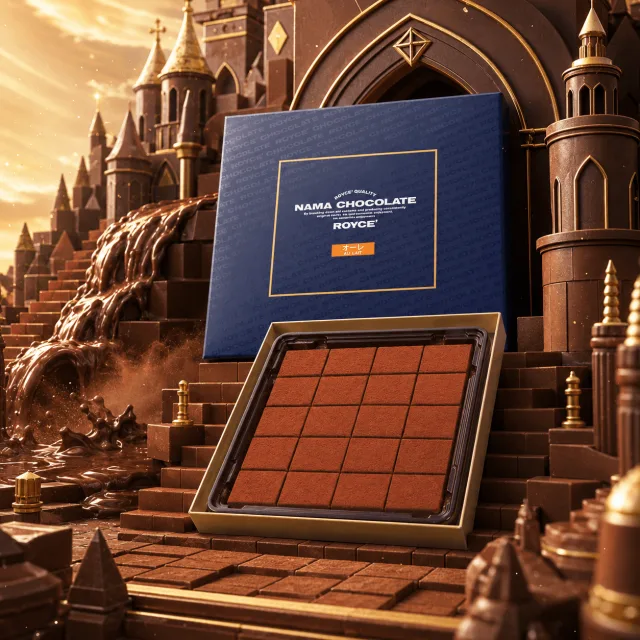
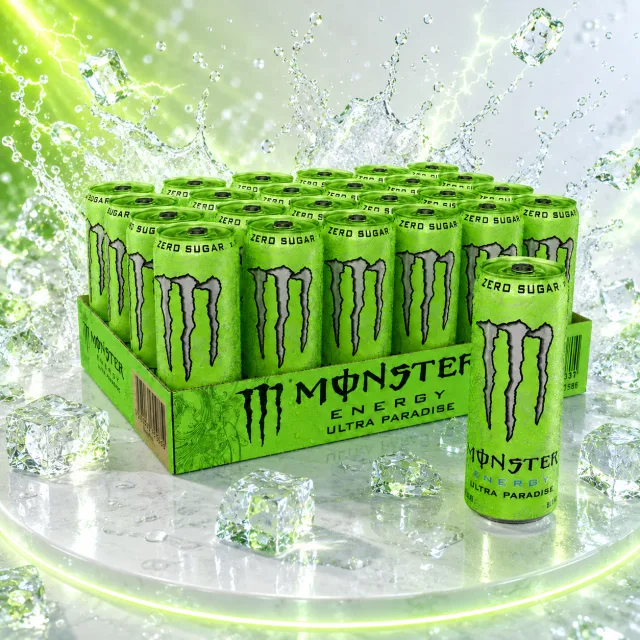
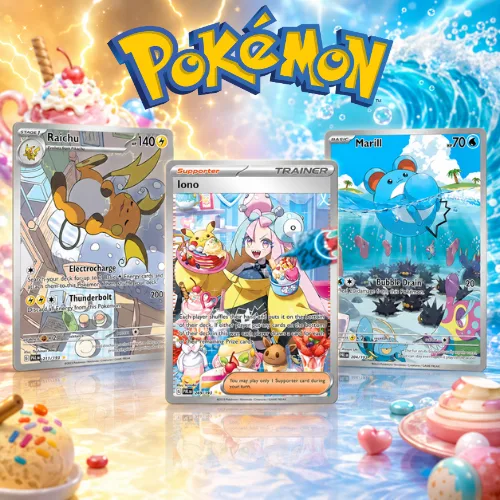
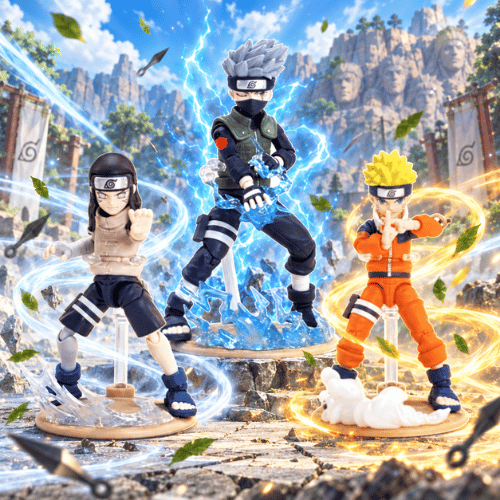
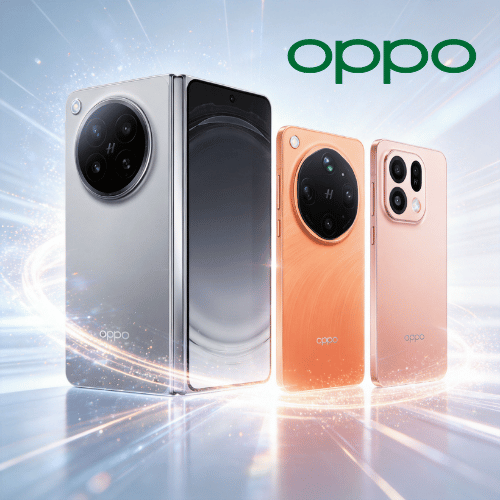
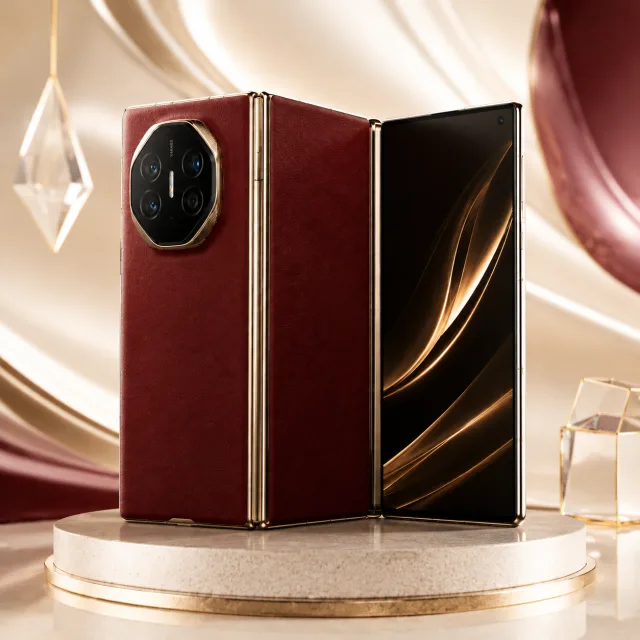
Lucky Draw gives users access to product categories including Collect Cards, Digital Technology, Anime Collectibles and Luxury Brands. Available selections can include trading cards, consumer technology, collectible characters and branded products, allowing users to explore different interests without limiting the experience to one product category.
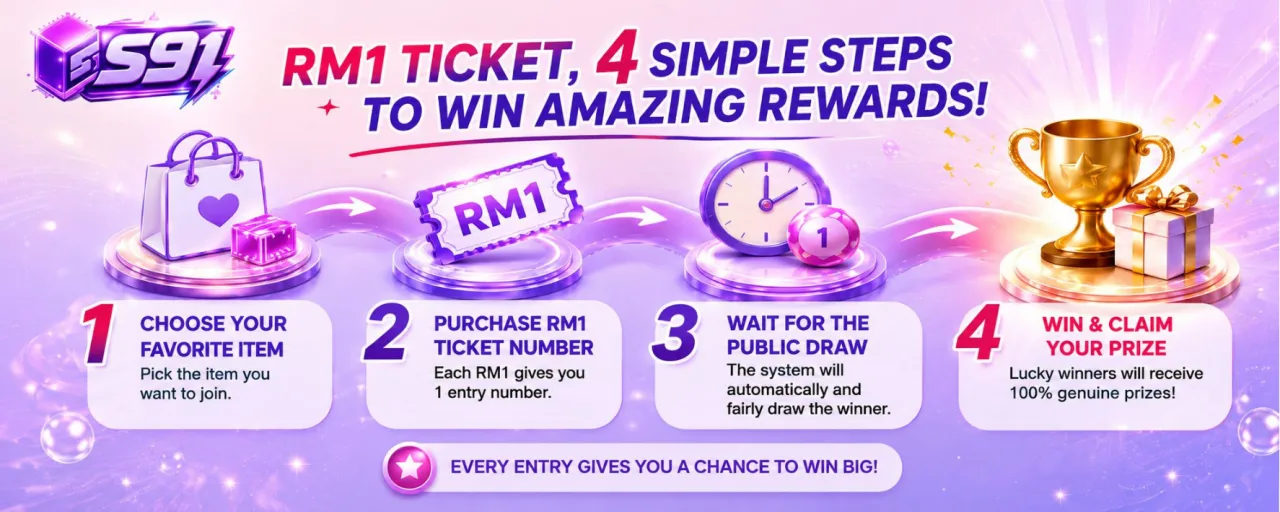
RM1 Purchase covers Collect Cards, Collectibles, Gaming, Home Essentials, Lifestyle, Premium Collection and Tech. Each RM1 Participation Unit provides a unique Participation Number for the applicable purchase, and a draw takes place after all entries are sold out according to the published RM1 Purchase rules.
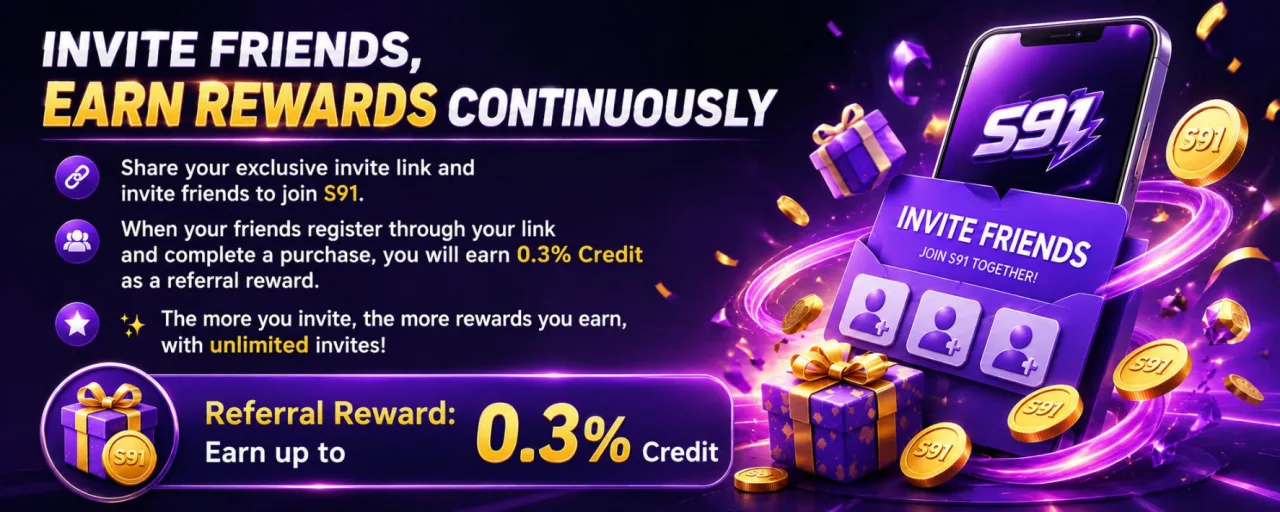
S91 also connects platform activity with Daily Mission and Season Pass progression. Daily tasks can award XP for activities such as logging in, completing a Lucky Draw, completing an RM1 Purchase, inviting a friend to register and meeting the displayed spending mission. Season Ranking additionally tracks categories including Top Spender, Top Check In and Top Inviter, with bonus XP displayed for the top positions at the end of the season.
S91 provides variety across both Lucky Draw and RM1 Purchase. Users can explore categories related to collectible cards, anime collectibles, digital technology, gaming, home essentials, lifestyle products and premium collections rather than being restricted to a single type of product.
Platform activities connect with a broader reward journey. Lucky Draw participation can accumulate XP, XP contributes toward Season Pass progression, and Season Pass rewards can include Tickets. Accumulating Tickets provides another way to access eligible RM1 Purchase products according to the Platform’s applicable requirements.
Daily Mission gives users defined activities that can award XP, while Season Ranking provides seasonal categories for spending, check-ins and invitations. These features give users additional ways to engage with S91 beyond individual Lucky Draw or RM1 Purchase activities.
S91 provides rules and supporting information for key activities such as Blind Box purchases, RM1 Purchase, Buyback, withdrawals, returns and refunds, privacy, and AML & KYC requirements. Users can review the relevant information before participating in or using applicable Platform services.
S91 brings Lucky Draw, RM1 Purchase and reward-related activities together within the same Platform. Users can explore product categories, participate in available purchase activities and follow their progress through features such as Daily Mission, Season Pass and Season Ranking.
XP connects selected S91 activities with Season Pass progression. Daily Mission provides XP through displayed tasks, while Lucky Draw activity can also contribute toward XP accumulation. This gives users a clear progression path across different parts of the Platform.
Accumulated XP can contribute toward Season Pass levels and their available rewards. The Season Pass includes Free Pass and VIP Pass reward tracks, with rewards displayed across its levels. Available rewards can include Tickets and other items shown for the applicable season.
Tickets earned through Season Pass rewards connect with RM1 Purchase. Users can accumulate the required Tickets and use them toward eligible RM1 Purchase products according to the requirements displayed by S91.
S91 Daily Mission provides daily activities with XP rewards. Displayed missions can include Daily Login, completing a Lucky Draw, completing an RM1 Purchase, inviting a friend to register and meeting the applicable spending mission. Completing all displayed daily missions can also provide the stated bonus XP.
Season Ranking allows users to follow categories including Top Spender, Top Check In and Top Inviter. The Platform displays rankings and season-reset information, while the top three positions receive the stated bonus XP at the end of the season.
Physical products may be delivered according to S91 shipping conditions, while certain eligible prizes may support Buyback. Users should review the applicable product, shipping, Buyback, return and refund information before confirming a transaction or making a related request.
S91 is an online platform offering product-based Lucky Draw and RM1 Purchase activities alongside supporting reward and account features. Its experience connects product participation with XP, Daily Mission, Season Pass, Tickets, rankings and other available activities. S91BOX is also associated with access to the S91 experience.
S91 Lucky Draw provides Blind Box-style product activities across multiple categories. Every completed Blind Box purchase guarantees one prize, and prize results are randomly generated by the Platform’s system. The corresponding product page displays prize probabilities, and completed prize results cannot be manually modified or influenced.
In RM1 Purchase, every RM1 provides one Participation Unit and one unique Participation Number for the applicable product. Additional units provide additional participation numbers. Once all entries are sold out, the draw takes place and the holder of the generated winning number receives the prize according to the published RM1 Purchase rules.
The Red Packet Pool adds another activity connected with RM1 Purchase. The displayed process consists of completing an RM1 Purchase, receiving an automatic entry and receiving Platform credit when the applicable entry results in a win.
S91BOX is associated with the S91 platform experience and provides users another relevant search and access point for S91. Users should use the official S91 pages and available Platform navigation when registering, accessing features or reviewing current product and activity information.
Getting started with S91 follows a simple path. New users can first register an account, set up convenient access on their device, and then explore the Platform’s available Lucky Draw, RM1 Purchase and reward features. Users interested in developing a referral network can also contact official support about becoming an S91 Agent.
Begin by creating an S91 account through the official Platform. Complete the required registration information so you can access the available account features and Platform activities.
After registration, users can set up easier access to S91 on a supported mobile device. Android users can add the website to their Home screen through Chrome, while iOS users can use the available browser option to create convenient Home Screen access.
Once your account is ready, explore the available Lucky Draw and RM1 Purchase categories as well as supporting features such as Daily Mission, Season Pass and Season Ranking. Review the relevant rules and product information before participating.
Users interested in the S91 Agent opportunity can contact the official WhatsApp support team, request an Agent Account and ask for guidance on promoting the account and developing a downline network.
S91 registration gives new users access to their own Platform account. The following overview introduces the main registration process without replacing the complete instructions available on the dedicated S91 Register page.
Open the official S91 registration page to begin creating your account. Starting from the official Platform ensures that you are using the designated registration entry point.
Enter the information requested on the registration page. Make sure the details provided are complete, accurate and up to date, as required under the S91 account terms.
Review the information entered and follow the displayed instructions to complete account registration. Each user may register and maintain only one S91 account.
Create your S91 account to begin exploring Lucky Draw, RM1 Purchase, Daily Mission, Season Pass, Ranking and other available Platform activities. After registration, users can continue with device access setup and review the relevant product or activity pages before participating.
A registered account provides access to the broader S91 experience. Users can browse available products, follow Daily Missions and seasonal progression, manage applicable account activities and access the Platform’s current features from one account.
S91 users can set up convenient access from a mobile device. The steps below provide a short overview for Android and iOS users; the dedicated S91 Download page provides the complete device-specific instructions.
Android users can access S91 through Chrome and add the website to the device Home screen for quicker future access.
Open Chrome on your Android device and visit the S91 website provided through the official Platform.
Tap the three-dot menu in Chrome. Look for the option that allows the website to be added to your Home screen.
Select “Add to Home screen,” enter a name such as S91 and confirm. An S91 shortcut will then appear on the Android Home screen for easier access.
iPhone and iPad users can access S91 through the supported browser and use the available Home Screen option to create convenient access to the Platform.
Visit the official S91 website using the supported browser on your iPhone or iPad.
Use the browser’s sharing or navigation options to locate the function for adding the S91 website to the device Home Screen.
Follow the displayed browser instructions to add S91 to your Home Screen. You can then use the new shortcut to return to the Platform.
Set up S91 on your mobile device for convenient access to your account, Lucky Draw, RM1 Purchase, Daily Mission, Season Pass, Ranking and other available Platform sections. Visit the dedicated Download page for the complete Android and iOS instructions.
Once S91 has been added to your Home screen, you can use the shortcut whenever you want to return to the Platform. Users should follow the official S91 Download instructions for their device.
S91 also provides an Agent Account path for users interested in Referral opportunities. Prospective agents can contact the official WhatsApp support team to request an Agent Account and obtain guidance about promoting it to develop more downlines.
Visit the official S91 website and click the WhatsApp icon or “Contact Us” button. Once connected with the WhatsApp support team, request to open an Agent Account.
S91 support can also provide guidance on promoting an Agent Account to gain more downlines and start developing the available passive-income opportunity. Users searching for related Referral or Shareholder information can request current details directly from official support.
S91 is an online platform featuring Lucky Draw, RM1 Purchase and supporting activities such as Daily Mission, Season Pass, Tickets and Season Ranking. Its product categories cover areas including collectible cards, technology, anime collectibles, gaming, home essentials, lifestyle and premium products.
S91BOX is associated with the S91 platform experience. Users looking for S91 or S91BOX should use the official Platform pages to access current account, product, activity and support information.
Users can explore Lucky Draw categories including Collect Cards, Digital Technology, Anime Collectibles and Luxury Brands. RM1 Purchase categories include Collect Cards, Collectibles, Gaming, Home Essentials, Lifestyle, Premium Collection and Tech.
Eligible S91 activities can provide XP, which contributes toward Season Pass progression. Season Pass rewards can include Tickets, and accumulated Tickets can be used toward eligible RM1 Purchase products according to the requirements displayed by S91.
Start by registering an S91 account through the official Platform. You can then set up convenient device access, explore the available products and activities, and review the relevant rules before participating. Users interested in becoming an Agent can separately contact S91 WhatsApp support.
Create your S91 account and discover Lucky Draw, RM1 Purchase, Daily Mission, Season Pass, rankings, rewards and the other available features across the Platform.